
How to Search Cases by Name
The Wisconsin Court System case-search page sends circuit court matters to Wisconsin Circuit Court Access, known as WCCA. Start with a last name. Pick Buffalo County from the county list. If the results run long, narrow them down. Add a first or middle name, a business name, a case type, or a date range. A birth date can narrow things further where its use is allowed, and you can leave other protected details out entirely.
- Open the Circuit Court search and accept the public-use notice if shown.
- Enter the last name, then add a first name or business name.
- Select Buffalo instead of Statewide when the filing county is known.
- Add a case type, status, or filing range only as needed.
- Open the likely result and compare its number, type, date, and status.
WCCA sometimes asks you to pass a CAPTCHA check, so run the search by hand rather than through an automated tool. When nothing comes back, strip the optional fields and retry a simpler combination before assuming no public record exists.
| Field | Type | Required | Use |
|---|---|---|---|
| Party Last, First, Middle | Text | Unspecified | Main name route; middle name is optional. |
| Business Name | Text | Optional | Finds an organization party. |
| County | Dropdown | Unspecified | Choose Buffalo to narrow results. |
| Case Type or Status | Filter | Optional | Separates categories and case states. |
| Attorney or Bar ID | Text | Optional | Useful when counsel is known. |
| Filing or Judgment Dates | Date range | Optional | Limits results to a relevant period. |
Buffalo County WCCA Search Screen
The official WCCA public-access interface is free and covers public circuit case information statewide.
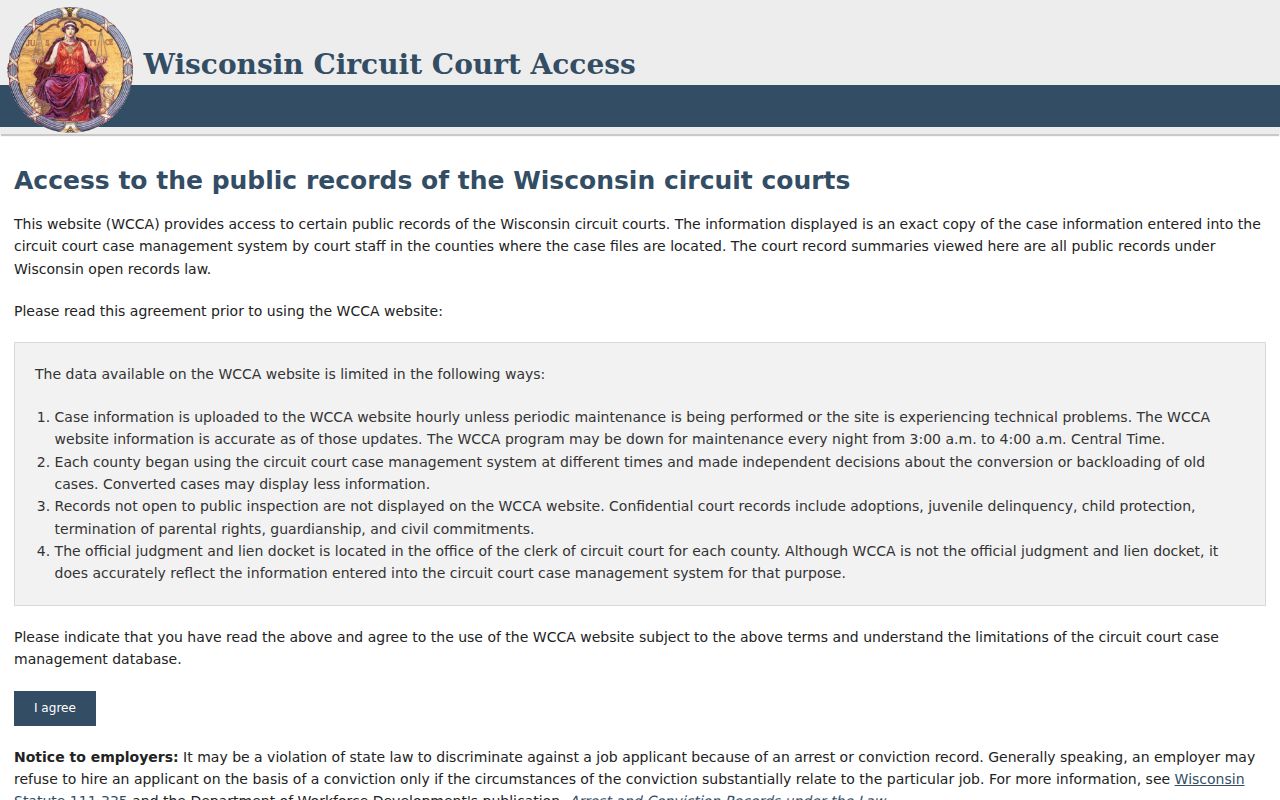
Choosing Buffalo is the local step that matters most. From there the portal can return a case header, party roles, filing date, case type, status, public charges or judgments, and the court record events. Document images are not part of the public display. An event noting that an order was filed is only a record of the filing, not the order itself.
Treat the result as a path into the case. Fields can shift after a hearing is reset or a later order is entered, so no single screen proves the file is complete. Read the events in order. Check the latest activity. When a date really matters, confirm it with the clerk if the online display leaves you unsure.
How to Search by Case Number
An exact case number is usually the fastest key for a docket search. Wisconsin numbers mix the filing year, a two-letter case code, and a sequence, in a form like 2026CF000001. CF means felony criminal. CM means misdemeanor. CV is civil, SC small claims, TR traffic, FO forfeiture, and PR probate. Other codes cover family, juvenile, guardianship, commitment, and similar matters.
Type the full number exactly as it appears. Use the court notice or the clerk's record. A citation number is a different animal and belongs in WCCA's citation-number field. If an older number fails, drop spaces and punctuation, double-check the year and code, and consider whether the file predates CCAP or was never loaded back in. The Buffalo County clerk can help when you supply the approximate year, case type, party or case style, issuing agency, and any earlier number.
Buffalo County Advanced Search Filters
Filters are the cure for common names. Case type splits criminal from civil. Family, small claims, probate, juvenile, forfeiture, traffic, paternity, guardianship, commitment, and more are also options. Criminal, forfeiture, traffic, and ordinance cases get extras. The prosecuting attorney and issuing agency can sharpen the results. The citation number helps when you still have the original ticket.
Resist filling in several fields at once. One bad date or wrong agency can screen out the record you want. When a docket search fails, peel off the extra filters, run the exact case number, try the last name alone, test a business name or an alternate spelling, and make sure Buffalo is selected rather than another county. Search submits and Reset clears. Event-sort controls only flip the direction dates display; the underlying docket stays the same.
What a Case Search Shows
A Buffalo County case detail lays out the public event trail. Criminal matters can show the defendant role, charge counts, statute, description, severity, disposition, sentence or judgment, district-attorney number, and the court record events. Civil, family, and small claims files lean the other way, listing party roles, filing and service events, motions, settings, orders, judgments, and judgment-party details.
| Case header | County, number, caption, filing date, type, status, and often branch. |
|---|---|
| Parties | Public names, roles, and attorney information where entered. |
| Court record events | Dated filing, appearance, hearing, order, judgment, and closure summaries. |
| Charges or judgments | Public count, severity, disposition, sentence, or civil judgment data. |
| Future activity | Date, time, activity, official, and location when posted. |
A "closed" label generally means final judgment was entered, per the eFiling FAQ. Activity can still follow. A dismissed count does not dismiss every count or the whole case. Read the details instead of trusting one label.
Buffalo County Results Are Event Indexes
WCCA reports events, but it does not sell or display public document images. Need a public complaint, motion, order, judgment, exhibit, or transcript? Go to the Buffalo County Clerk of Circuit Court. The clerk can open the public parts of an electronic file at the office. Paper or electronic copies may be available.
Wisconsin Circuit Court eFiling is a separate account service. Registered parties and attorneys reach authorized case documents through My Cases. The official eFiling interface lays out the login and registration steps.
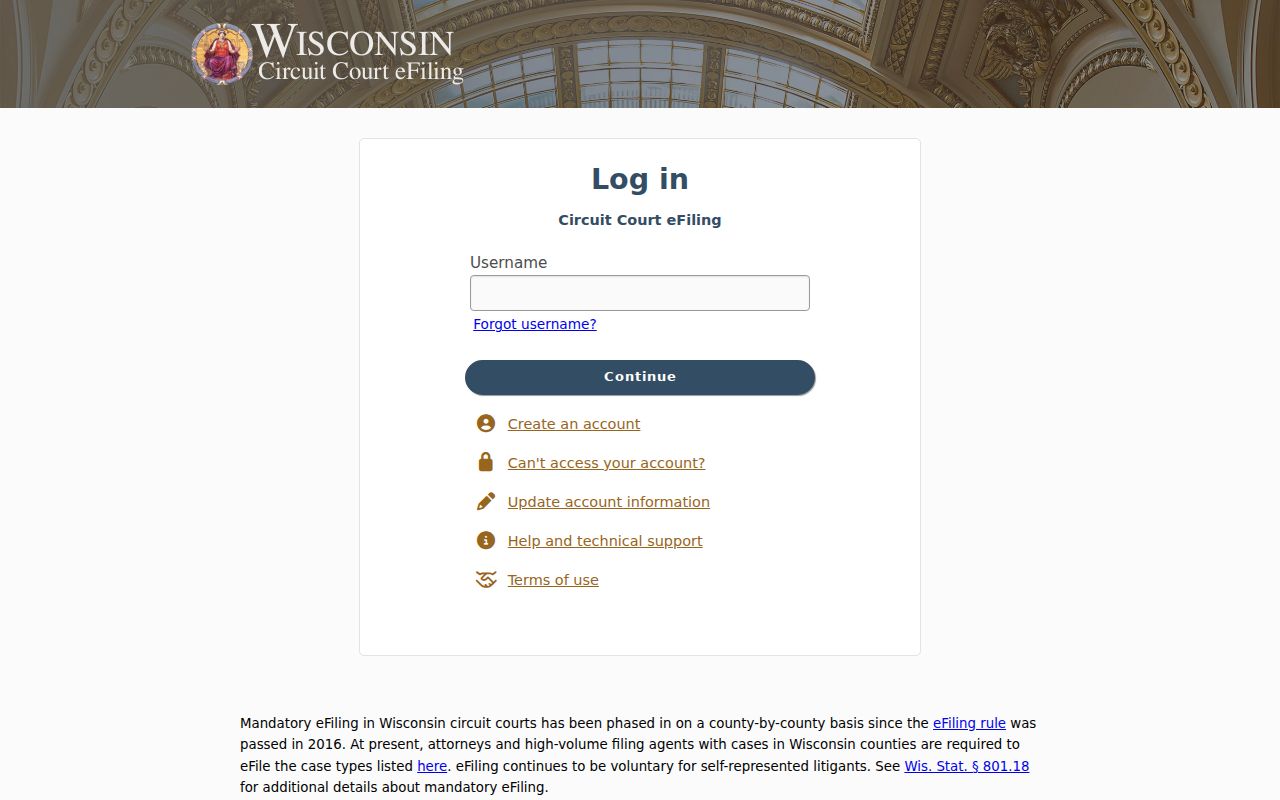
The account screen does not grant wider public access. For case information the public uses WCCA; for documents, the clerk. Knowing that split saves you from hunting online for an image the public portal never publishes.
County vs Statewide Case Search
Buffalo County posts no separate full online docket portal of its own. WCCA serves as both the statewide circuit search and the Buffalo County route. Just select Buffalo. Appeals live in Wisconsin Supreme Court and Court of Appeals Case Access, called WSCCA. Federal matters go through PACER. It serves the Western District of Wisconsin.
| Access point | Coverage | Best use |
|---|---|---|
| WCCA Statewide | Wisconsin public circuit cases | Search when the filing county is uncertain. |
| WCCA with Buffalo | Buffalo County circuit results | Find a known local case or future setting. |
| WSCCA | Supreme Court and Court of Appeals | Trace appellate orders, opinions, and disposition. |
| Clerk or Courthouse WCCA | Local public records and terminal access | Resolve old results and obtain filed documents. |
The official WSCCA search page begins with an agreement and appellate controls.
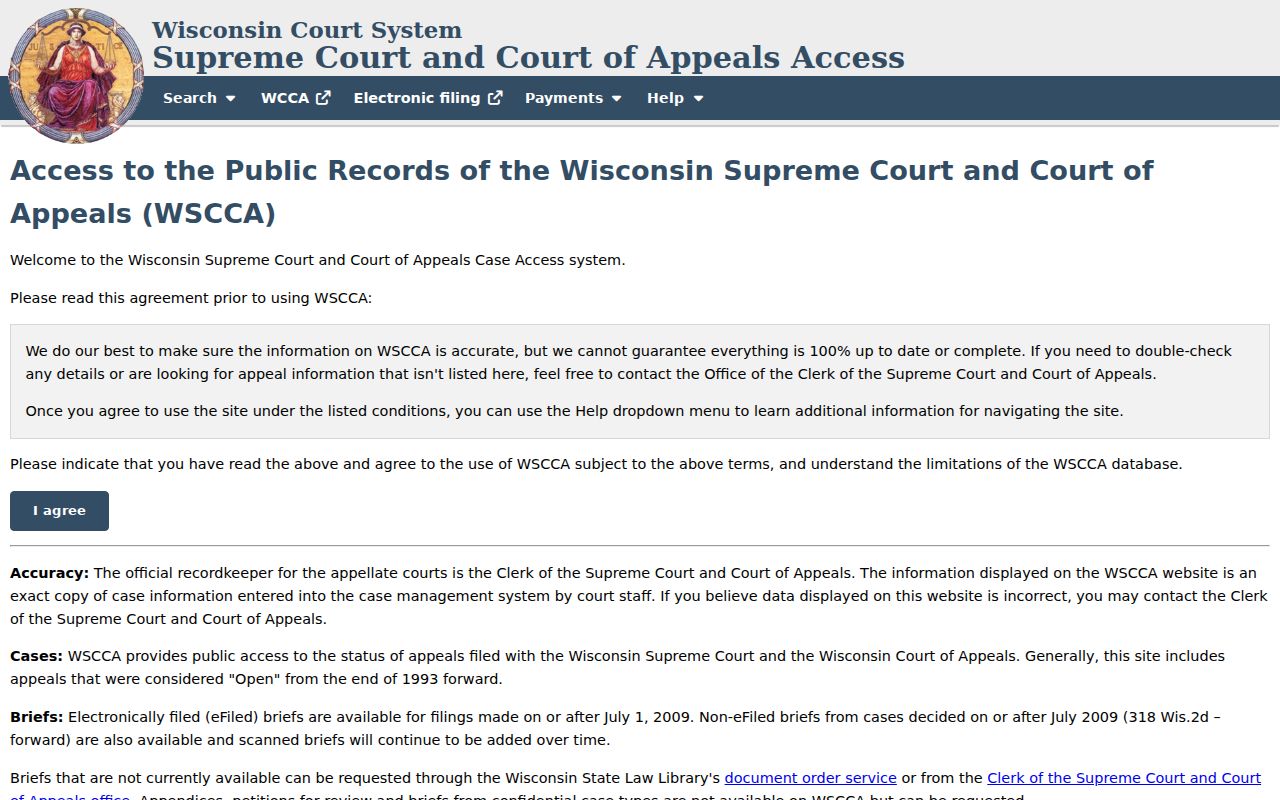
An appeal carries its own case number. Hold onto the circuit number as well. The two systems track different levels of one matter.
Buffalo County Search Layers
The Wisconsin case-search directory separates circuit and appellate routes.
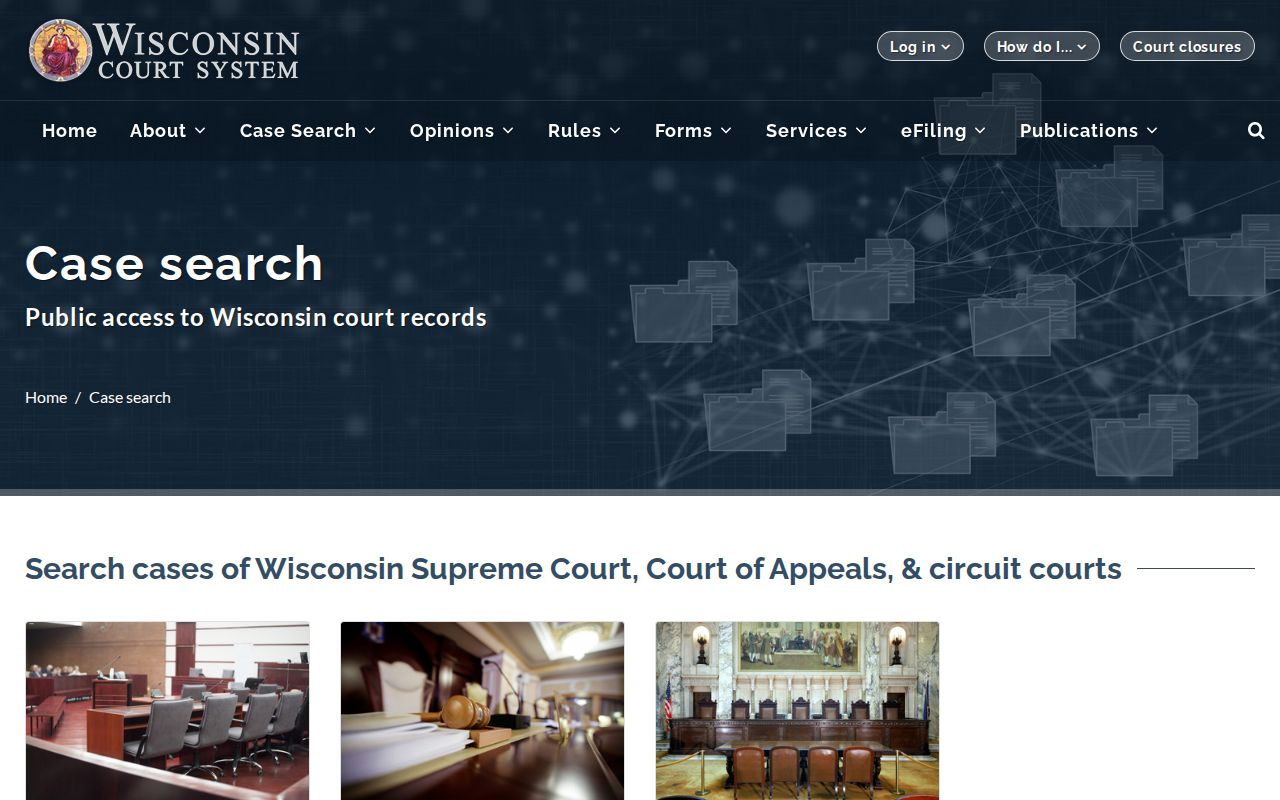
CCAP is the machinery behind it all. It powers circuit case management, WCCA, courthouse terminals, and eFiling, along with other court systems. Clerk staff do the actual recording. That covers filings, minutes, future activity, judgments, warrants, financial information, and dispositions. WCCA then publishes the public portion of that work. Inside the courthouse, WCCA terminals offer the same access in person. Authorized filers handle their end through eFiling.
Searching away from a screen still works in Buffalo County. The clerk at 407 S. 2nd St., Alma can pull a public file for inspection. That includes an older paper record. For a missing court date or a routing question, call 608-685-6212. Mail inquiries go to P.O. Box 68, Alma, WI 54610. A fax line exists at 608-685-6211, though confirming acceptance first is wise.
Restricted Cases and Access Rules
Some Buffalo County court docket entries simply are not public. Juvenile matters, sealed files, guardianships, commitments, and protective placements can be withheld in whole or in part. So can family cases. Victim, witness, juror, address, financial, and identifying details are often coded or redacted too. Wisconsin Statutes sections 801.20 and 801.21 govern protected information. They also govern the motions used to seal or redact it.
Keep expectations realistic. A name missing from the docket does not mean no case exists. A visible case number does not guarantee you can see every paper behind it. Ask the Clerk of Circuit Court what portion is public and whether authorization or a court order is needed. Staff cannot break a seal. They cannot give legal advice either.
Wisconsin Statutes sections 19.31 and 19.35 back public access to government records, subject to exceptions. Direct any circuit case-file request to the Buffalo County Clerk of Circuit Court. Do not send it to the separate Buffalo County Clerk. That office handles county-government records instead. Sending a request to the right office matters for both the access decision and the fees.
Buffalo County Manual Search Help
When online searching stalls, the Buffalo County Courthouse offers Courthouse WCCA terminals. Help from the clerk's staff is there too. They can pull an unscanned or retained paper file. Bring a case number if you have one. Without it, give a precise party name plus an approximate filing year. Add the type of case, a citation number, the issuing agency, or a known document date. The more specific the detail, the faster the lookup.
Call the Clerk of Circuit Court at 608-685-6212. The judge's office is 608-685-6202. The reporter at 608-685-6203 routes transcript requests. Discussing a copy request by phone before mailing pays off. It lets you settle the description, fees, prepayment, and delivery method in one go. The clerk offers no certified-copy web form. Turnaround times vary.
Ask at the counter when a docket entry hints at documents you have not seen. A plain circuit copy runs $1.25 per page, and certification adds $5 per case number. The Buffalo County court record search walks through those file and copy channels in detail.